CultTweaker 2.0 · pre-release 6
An in-game world editor, custom dungeons, custom spines, weapons, NPCs and quests. For Cult of the Lamb 1.5.26.
Customize Everything
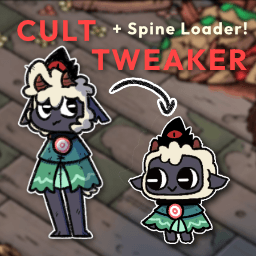
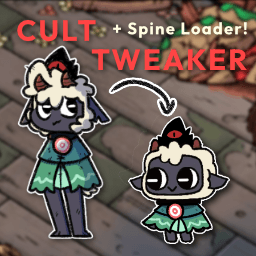
CultTweaker started as a Spine loader. It is now a full modding toolkit for the game.
The Worldshaper
An in-game editor on F4 with lots of tools to shape the world into your own. Build rooms, levels, dungeons and hubs directly in game with live previews.
Custom dungeons
Turn node blueprints into level blueprints into fully playable dungeons, complete with their own dungeon maps.
Base, hubs and world maps
Edit your base without limits, build new hubs, and draw whole new overworld maps with nodes, links, unlocks and per-save progress.
Custom player spines
Load your own Spine skeleton as the Lamb, pick between multiple skins, give each player their own spine in co-op, and transmog fleeces over any of them.
Follower forms and skins
Build custom follower forms from separate sprites with per-part scale, rotation, offset and color sets. Enter the editor via F8, and hot-reloads changes as you work.
Custom weapons
Custom weapons in a player spine config: base type, combo animations, damage, hitboxes, lunges and chain-weapon hook patterns.
NPCs with dialogue and quests
Custom NPCs with branching dialogue, vanilla goal types, rewards and quest state.
Custom enemies
Mimic any vanilla enemy AI, with custom health, scale, speed, attack ranges and boss health bars.
Structures, items, meals and tarots
Add sprite or Spine structures, override vanilla building art, and add custom inventory items, meals with recipes, and tarot cards without code.
Editing together
COTL MP Steam enables collaborative editing via map editor.
Menu editor
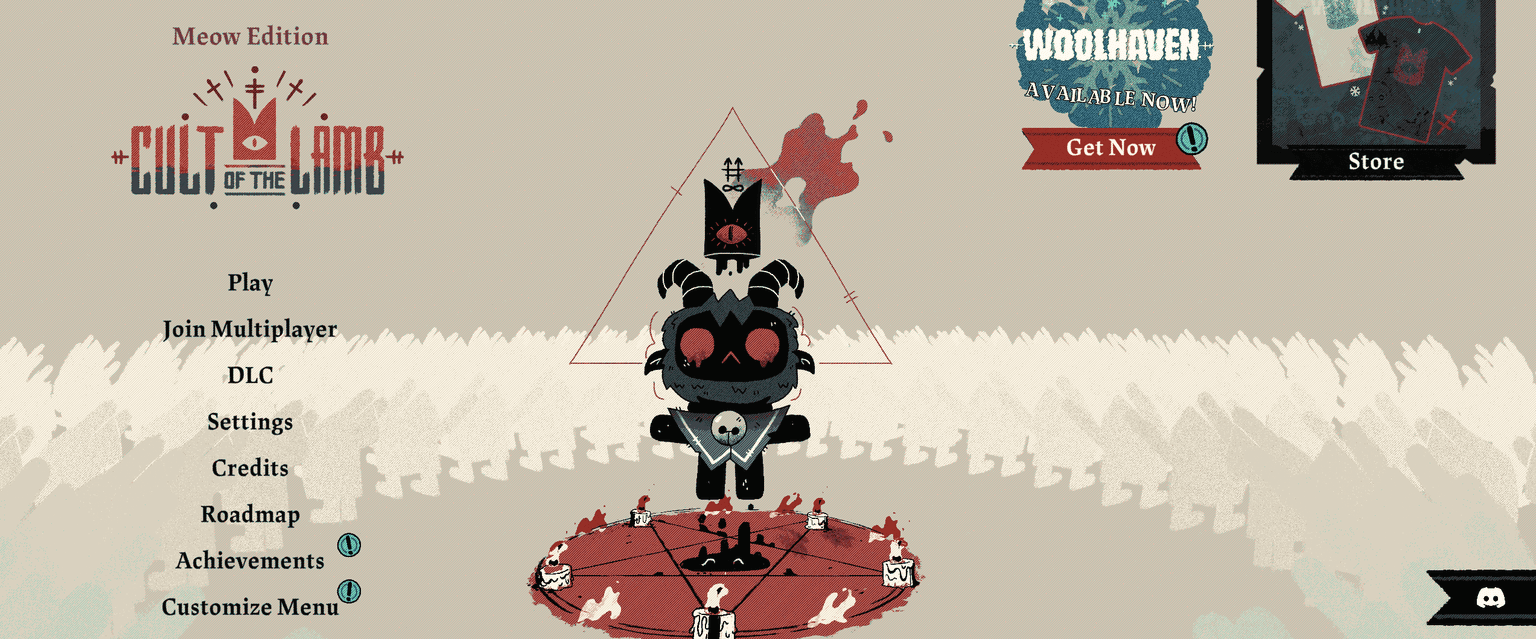
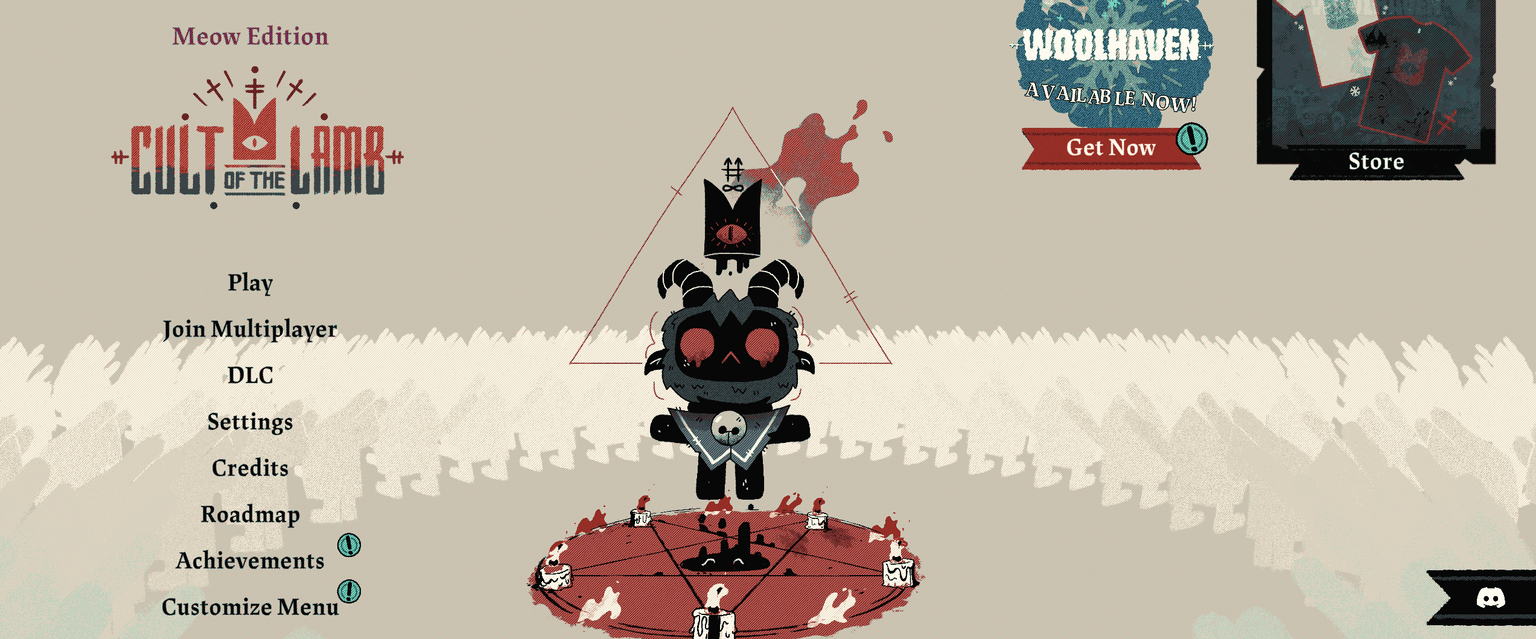
Customise the title screen from the main menu itself and save presets.
A modding API
Ship content from your own mod folder with no code, or reference CultTweakerApi for queries, actions, quest state and content paths.
The Worldshaper
Press F4 anywhere in the game and start building. Sixteen tools, a layers panel, groups and undo.
Select
Pick, move and group objects. Multi-select, grouping features available.
Shape
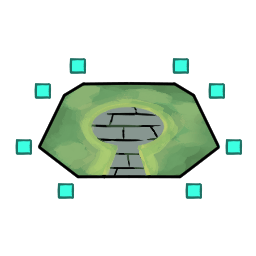
Draw the ground itself using shape profiles such as dirt and grass.
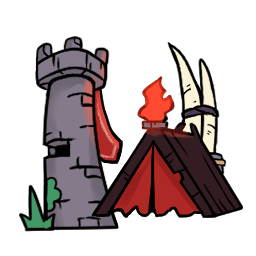
Structure
Place vanilla and custom structures.
Enemy
Place vanilla enemies and custom enemies.
NPC
Place vanilla NPCs and custom NPCs with custom dialogue.
Podium
Place weapon/curse podiums, including a dropdown for custom weapons.
Trigger
Camera moves, screen text, cutscenes, lighting and music changes.
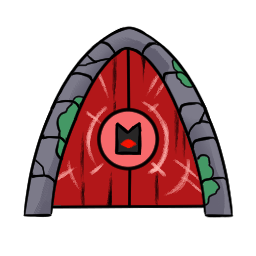
Door
Connect rooms and set where each exit leads.
Whiteboard
Sketch notes and plans directly onto the map.
Lighting
Apply lighting profiles and weather.
Music
Change the FMOD music event for the room.
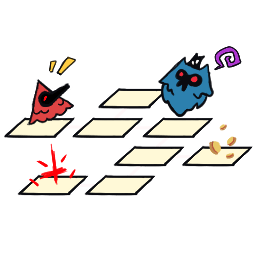
Level
Assemble rooms into level blueprints.
Dungeon Builder
Turn level blueprints into playable dungeons.
Load Map
Open a saved room or map.
Clear
Wipe the current room back to empty.
Preview
Hide the editor UI and look at the room as a player would.









Hotkeys
- F4
- Open or close the Worldshaper
- F5
- Test the dungeon, or reset the room
- F6
- Hide the editor UI, for world maps between preview and edit
- F7
- Open the CultTweaker panel
- F8
- Open the follower skin editor
- Ctrl + S
- Quick save
- Ctrl + Z
- Undo
- Ctrl + G
- Group the selection
- WASD or arrows
- Pan the camera
- Z / X
- Zoom out and in
- Mouse wheel
- Switch tool
- Delete
- Delete the selection
Features
Read more about the features in the documentations! These are just a few of the highlights.
Get CultTweaker
Nexus Mods stable releases, if you want to try out the pre-release, DM @InfernoDragon1 on Discord